Article in English
Back up an event and restore a fresh draft
Download the saved rundown and preparation, then restore a separate inactive event with a clear result.
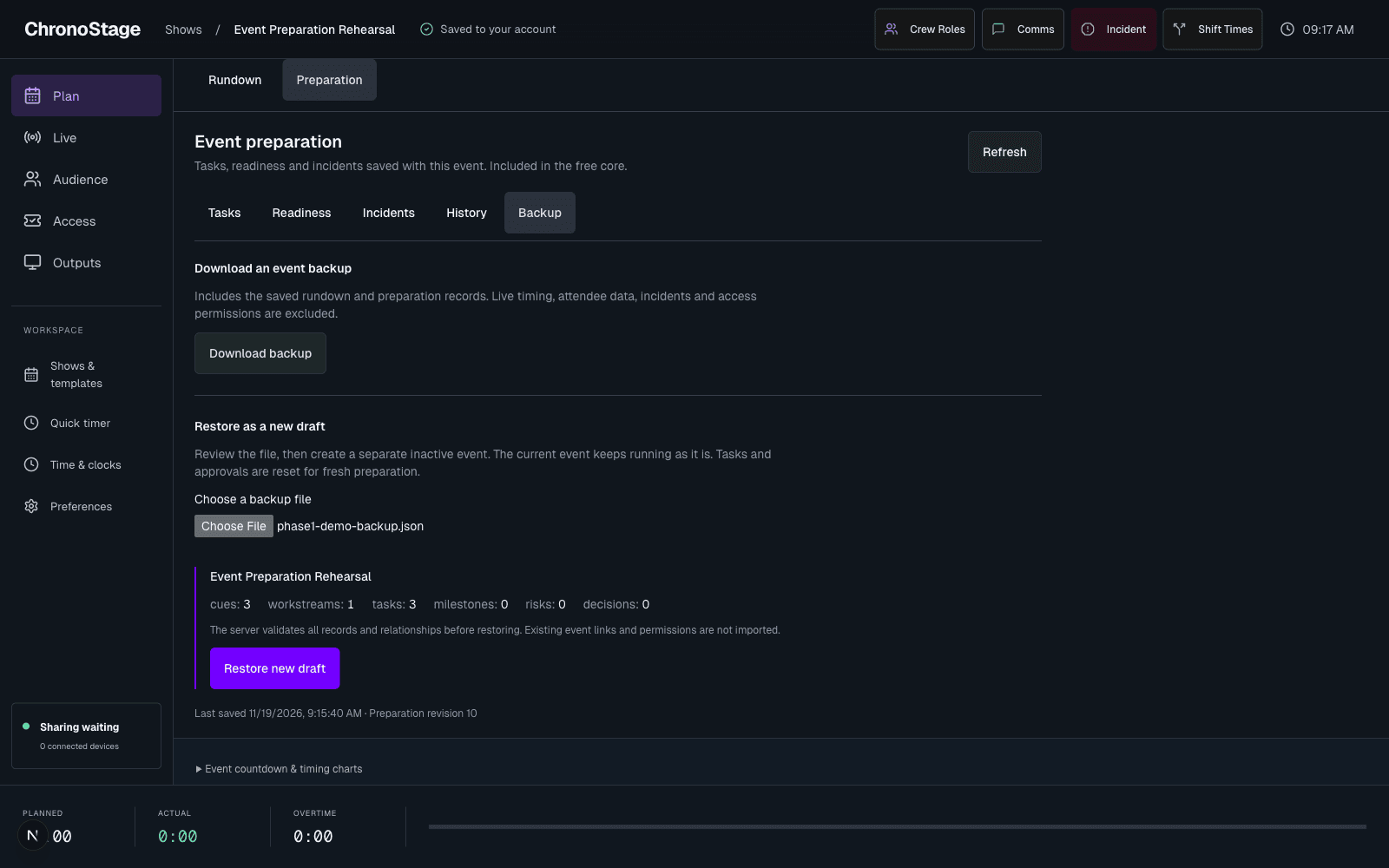
Download what you prepared
When preparation is enabled for your account, in Preparation, open Backup and choose Download backup. The versioned file contains the saved rundown, event details, workstreams, tasks and supported planning records.
It excludes active timing, attendee data, incidents, access permissions and operational receipts. Existing CSV and template workflows remain available.
Review before restoring
Choose a ChronoStage backup file and review its record counts, then choose Restore new draft. The service validates the file and relationships before returning the new event link.
The current event is unchanged. The restored event is inactive, and task completion, assignments and approvals are reset for fresh preparation. The result explains what was reset and what needs review.
Recover without another copy
If a restore response is interrupted, Check restore outcome continues the same request. It does not start a second restore. No live timer is started by importing the backup.