Article in English
Explore ChronoStage before signing in
Public tools, product information and plans are easier to reach, while account-only event data keeps its access controls.
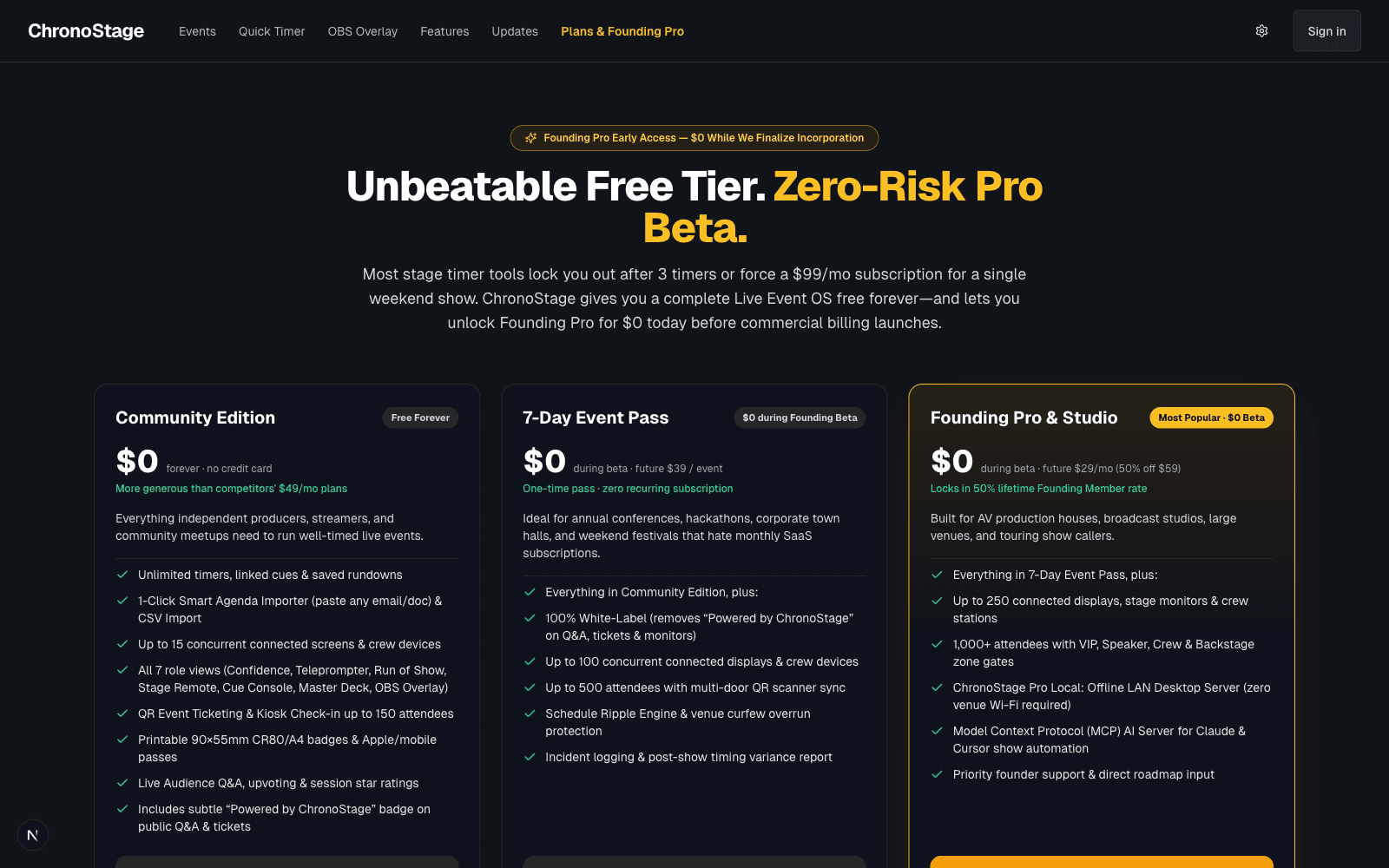
Start with the information you need
You can now open the public plans page without being redirected to sign in. Public product pages and useful timer tools can also render their content while account status is being restored.
This keeps the first visit straightforward: explore the tool, try a timer and decide when you want to sign in.
Public pages and private events have different jobs
Making product information public does not make account events public. Event details and audience activity stay behind the event’s sharing and role controls. The director view reads current audience activity, and an audience update that could not be saved is reported as an error.
The free manual event tools remain available. This update does not introduce a new limit or require an AI connection to run your event.
Recover clearly when an account check fails
If refreshing account permissions fails, ChronoStage keeps the signed-in identity, disables unverified administrator access and shows an error with a retry path. Public pages stay available while you recover.
The administrator’s account list now reads every page of records and reports a clear unavailable state if the service fails. A recorded sign-in date describes account history; it does not mean someone is online right now.
Administrator diagnostics use the signed-in account’s credentials and appear only with verified administrator access. If that access is missing, the administration page explains it instead of continuing to load indefinitely.