Article in English
Know when a ticket check-in is confirmed
Connection problems no longer look like a successful admission. Retry an uncertain scan while keeping confirmed attendance counts clear.
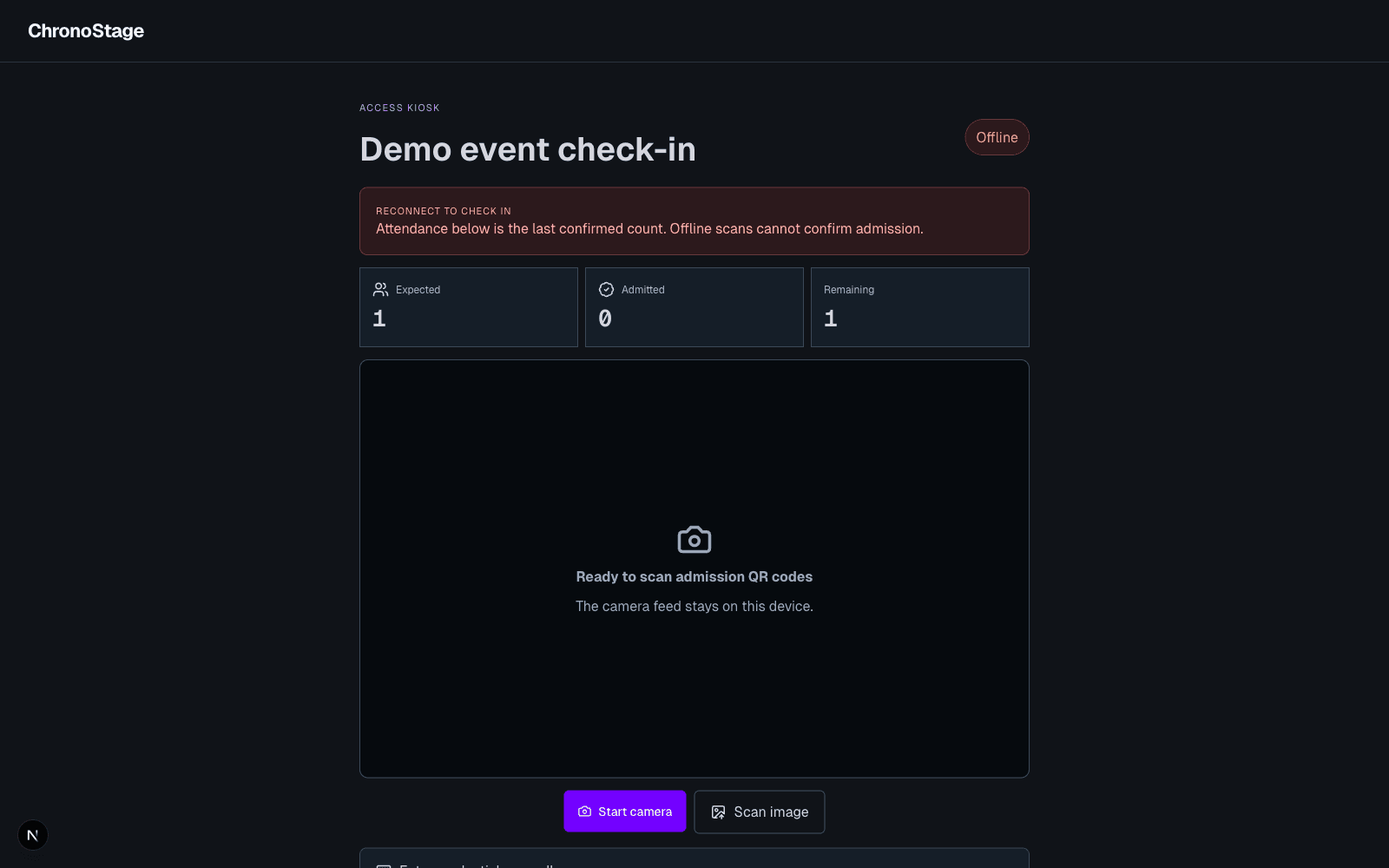
Confirmation comes from the event
Only a successful check-in service result changes the confirmed Admitted count. A rejected, invalid or unauthorized ticket stays denied even if an older device cache contains its code.
Retry an uncertain scan
If a response is lost, the kiosk shows that check-in is not confirmed. Retrying the same ticket in the current page reuses the original request and prevents double admission. An unknown outcome is not presented as either confirmed admission or a definitive rejection.
When the kiosk is offline
The kiosk shows the last confirmed counts and asks you to reconnect. Offline admission is not enabled by this update. Older device-only queues are retained for review and are not automatically replayed under a different account.
This demonstration uses a browser connection interruption; it does not claim physical network or camera hardware testing.