Article in English
More dependable MCP event controls
Connected AI clients get clearer outcomes when they read an event, control a timer or send a stage cue.
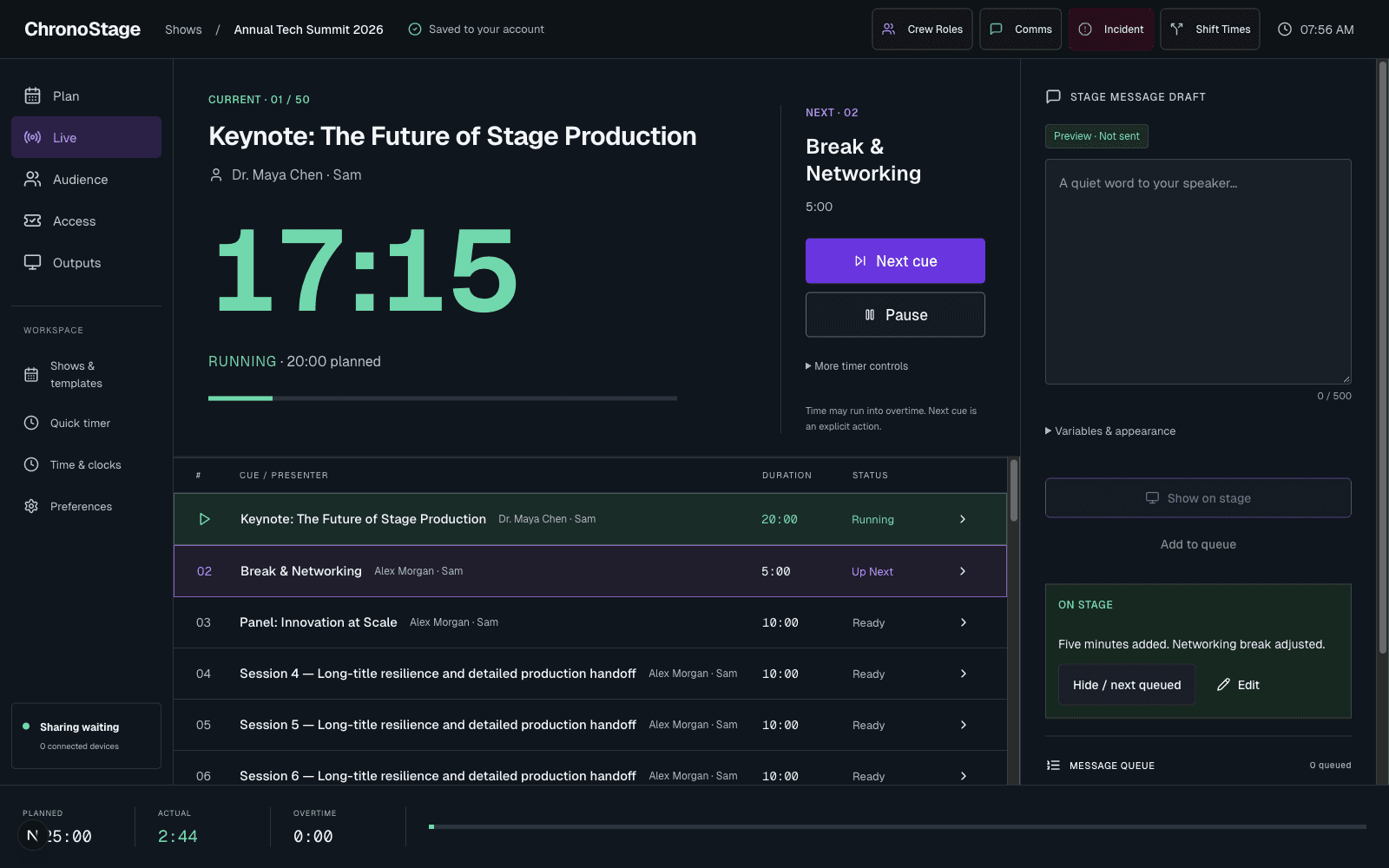
A result you can act on
Model Context Protocol, or MCP, lets an AI client call ChronoStage tools. This update corrects cases where a failed request could look like a successful event action.
Invalid input, missing access and unavailable services now return an error instead of pretending the requested change happened. A saved result refers to event state; it does not claim that every physical display has already acknowledged it.
Control the intended timer
Timer commands use the requested target and the intended action. Asking to pause a paused timer must not start it. Time adjustments and stage messages use the same validated event commands as the application.
The existing tool names remain available. Identity and control permissions come from the authenticated connection, not from a name or owner ID supplied in a prompt.
Keep the operator in control
MCP is a connection to the event tool. It is not a new autonomous event assistant, and this release does not add customer memory or a bring-your-own-provider setup screen.
Your manual controls, output links and existing event workflows remain part of the product. Test a connected client in a rehearsal event before relying on it during a live event.