Article in English
Keep event preparation with your event
Save workstreams, tasks and prerequisites with an event, then continue from another authorized device.
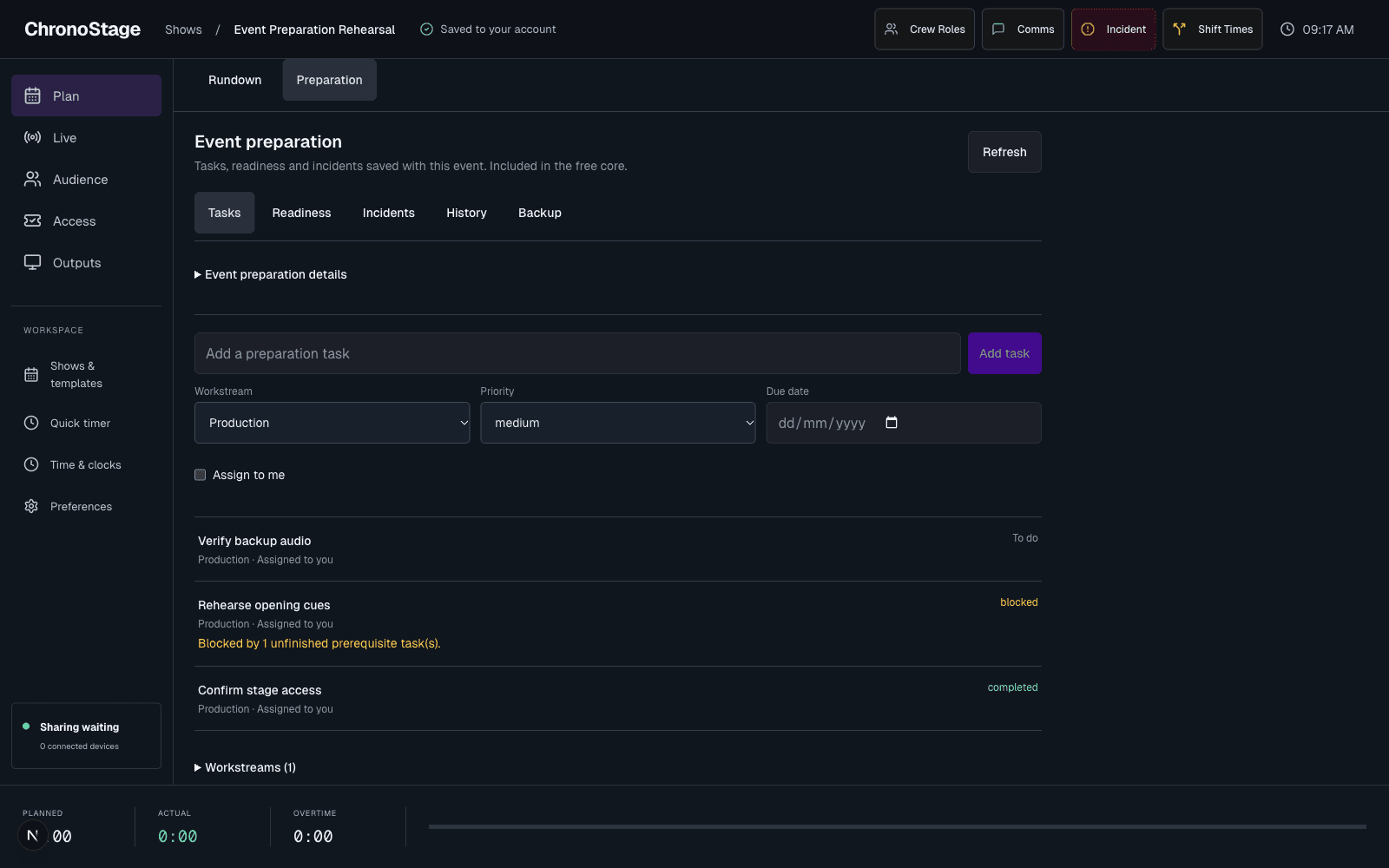
Keep the rundown and the preparation together
When preparation is enabled for your account, open Plan and choose Preparation. The existing Rundown stays beside it, with the same timer and template controls. Preparation is part of the free core; it does not require an AI provider.
Start with a workstream, then add tasks, priorities, due dates and an optional assignment to yourself. Open a task to add prerequisites, a checklist, comments or sign-off. The first version keeps preparation within the event owner’s personal space.
A save has a confirmed outcome
Tasks are saved with the event rather than kept only in the browser process. Reloading or opening another authorized device reads the same preparation.
If another device changes preparation while you edit, your form stays available for review. If a response is lost, Check saved outcome checks the original request instead of creating a second task.
Give the event its actual dates
Event preparation details hold explicit dates, timezone and event format. Unknown details remain unknown until you choose them. Updating these details does not start a timer or rewrite the saved rundown.