Article in English
Correct check-in status for new tickets
New credentials start as not checked in, and the first successful admission updates your event’s totals once.
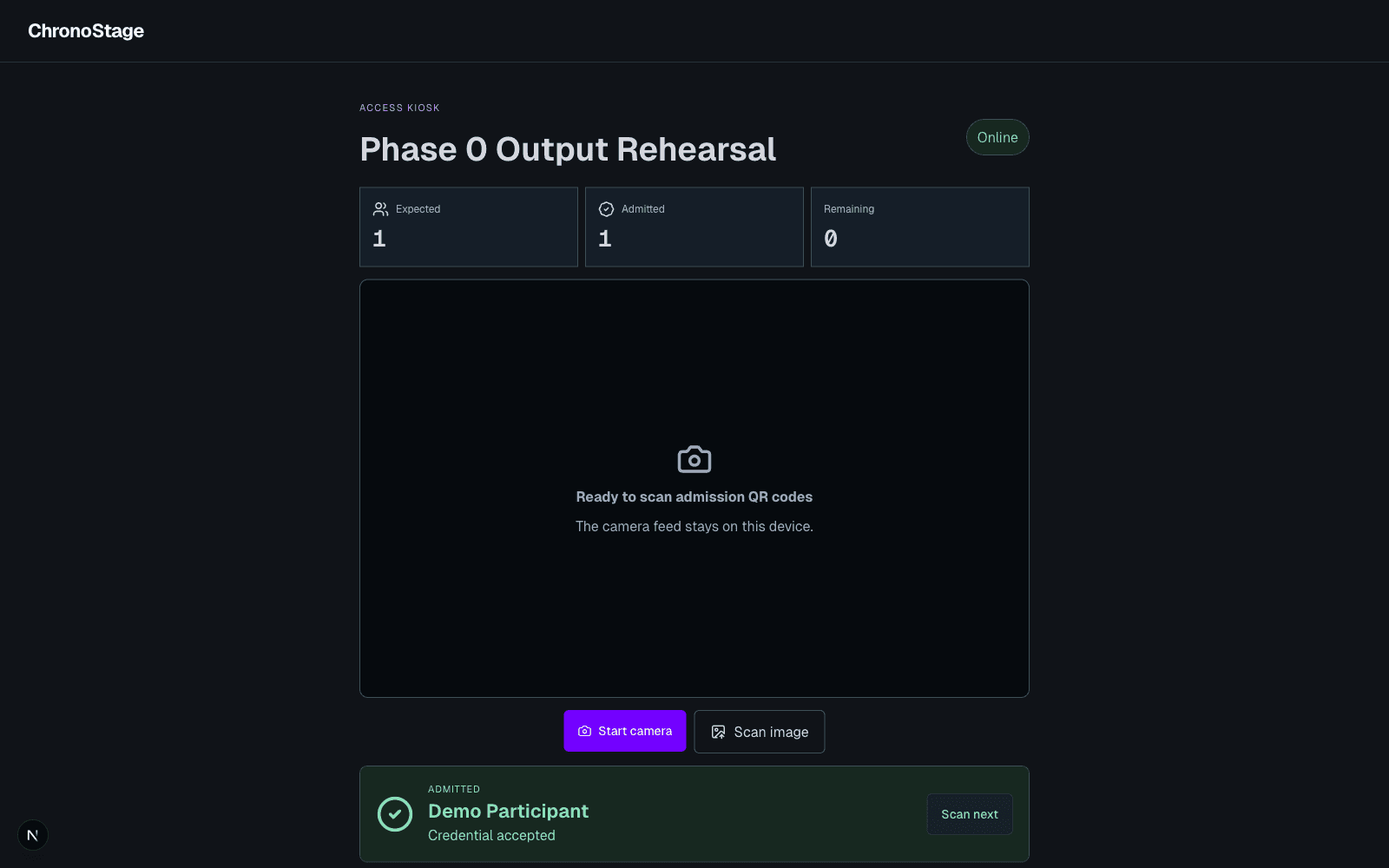
A new ticket should be ready for its first check-in
A saved ticket with no check-in time could be mistaken for an already admitted attendee when it was loaded again. This update restores the correct initial state, so a valid new ticket can complete its first check-in.
Your existing roster, ticket codes and venue assignments remain in place. There is no need to re-import participants or issue replacement tickets for this correction.
One admission, even when a ticket is scanned again
The first successful check-in records the admission and updates the event’s totals. Repeating the same request or scanning an admitted ticket again does not count a second attendee.
Expected, admitted and remaining totals now distinguish tickets that have not been used from tickets with a recorded admission.
Use your existing access workflow
Open the event’s access kiosk with an approved account, then scan the credential or enter its code. Check the confirmation before admitting the attendee. Existing staff permissions and ticket validation still apply.