Article in English
Record incidents with a confirmed save
Save an incident to the event, acknowledge it and retain its resolution for later review.
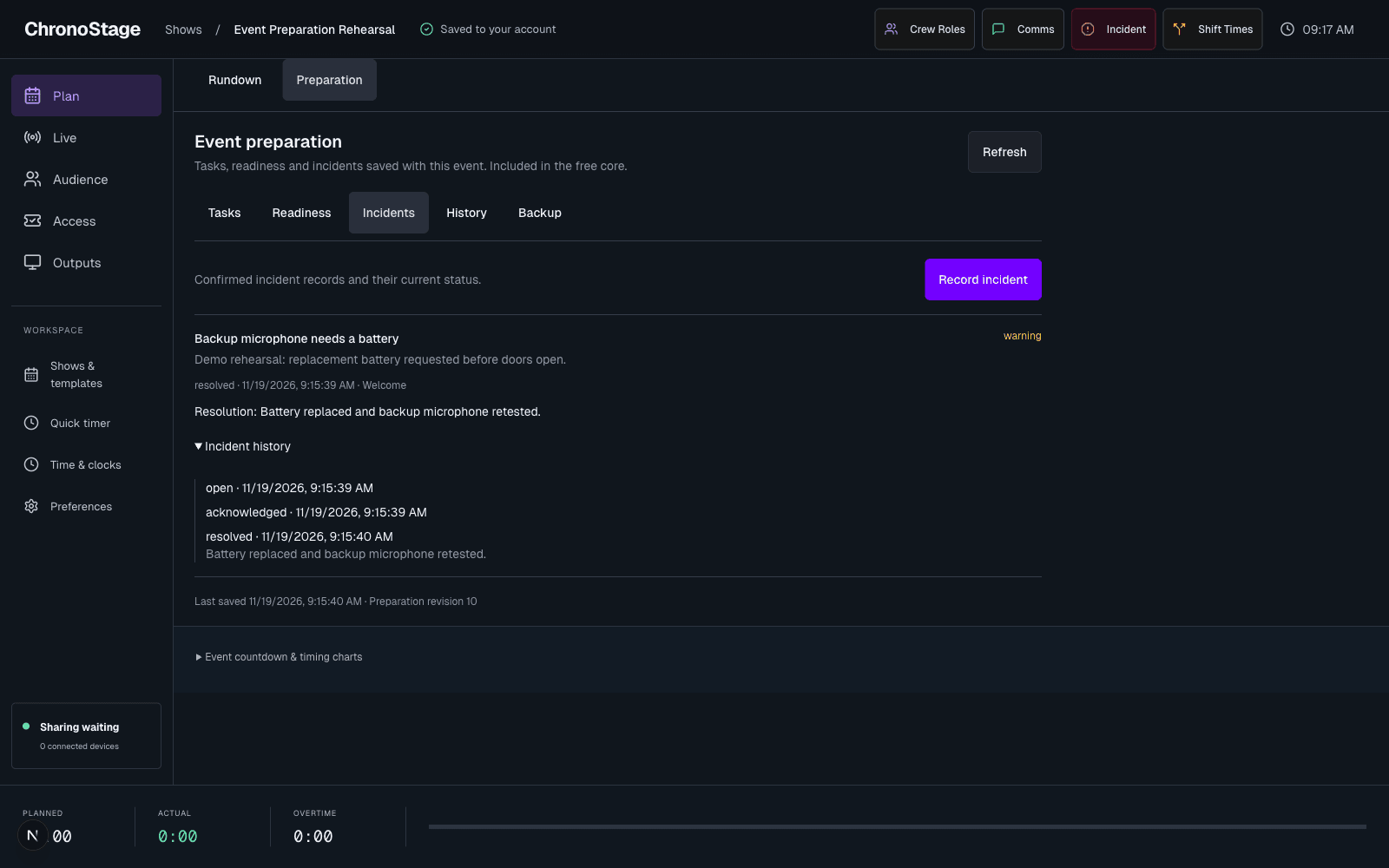
Record what happened
With preparation enabled, use Incident in the event toolbar or Record incident in Preparation. Choose severity, write what happened and add optional details. The current segment can provide context.
The form closes as saved only after the service confirms the incident. A connection failure keeps the request and text available for a safe retry.
Follow through to resolution
The Incidents section shows confirmed records from the event. Acknowledge an open incident, then save a resolution when the issue is handled. Another authorized device reads the same current status.
Recording an incident is not a broadcast or a message to your crew. When shared preparation is not enabled, the existing incident shortcut clearly offers a device-only note, with a download option. Device notes are not automatically uploaded as cloud incidents.