Article in English
See what is still missing before your event
Readiness now comes from saved preparation, with missing evidence shown as unknown.
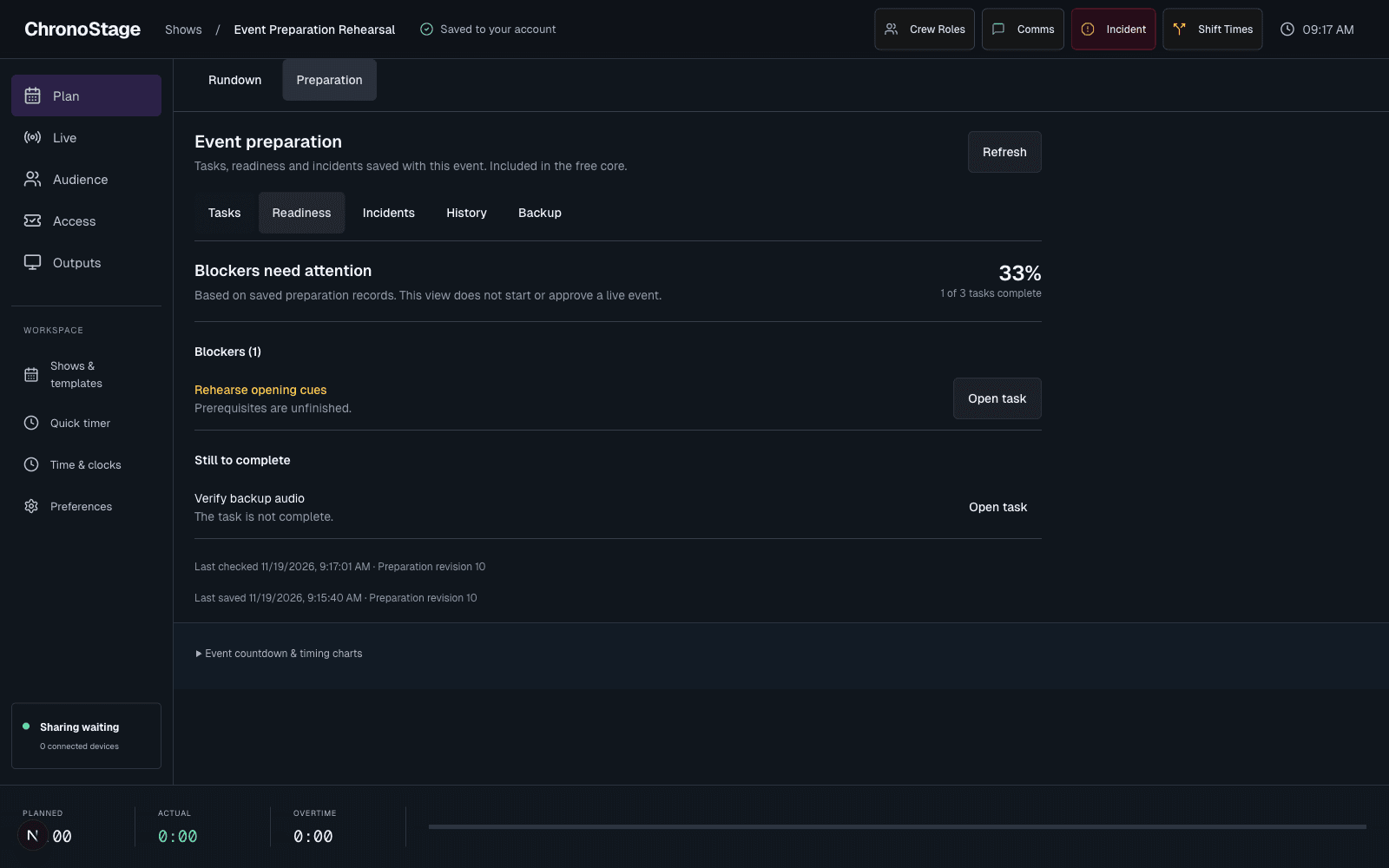
Read the evidence behind the status
When preparation is enabled for your account, open Preparation, then Readiness. The view lists incomplete tasks and recorded blockers, with links back to the task that needs attention. The completion percentage describes recorded tasks; it is not a promise that every operational requirement has been discovered.
An empty plan does not receive an invented readiness score. Missing dates, timezone or task evidence remain visible as unknown.
Review after a change
Readiness is recalculated from saved records when preparation refreshes. Unfinished prerequisites and pending sign-off cannot silently become a green pass.
The last-check time and preparation revision help you judge freshness. Readiness is informational and never starts or approves the live stage for you.