Article in English
Share event preparation with specific roles
Give planners, operators and viewers the preparation access they need, separately from live stage controls.
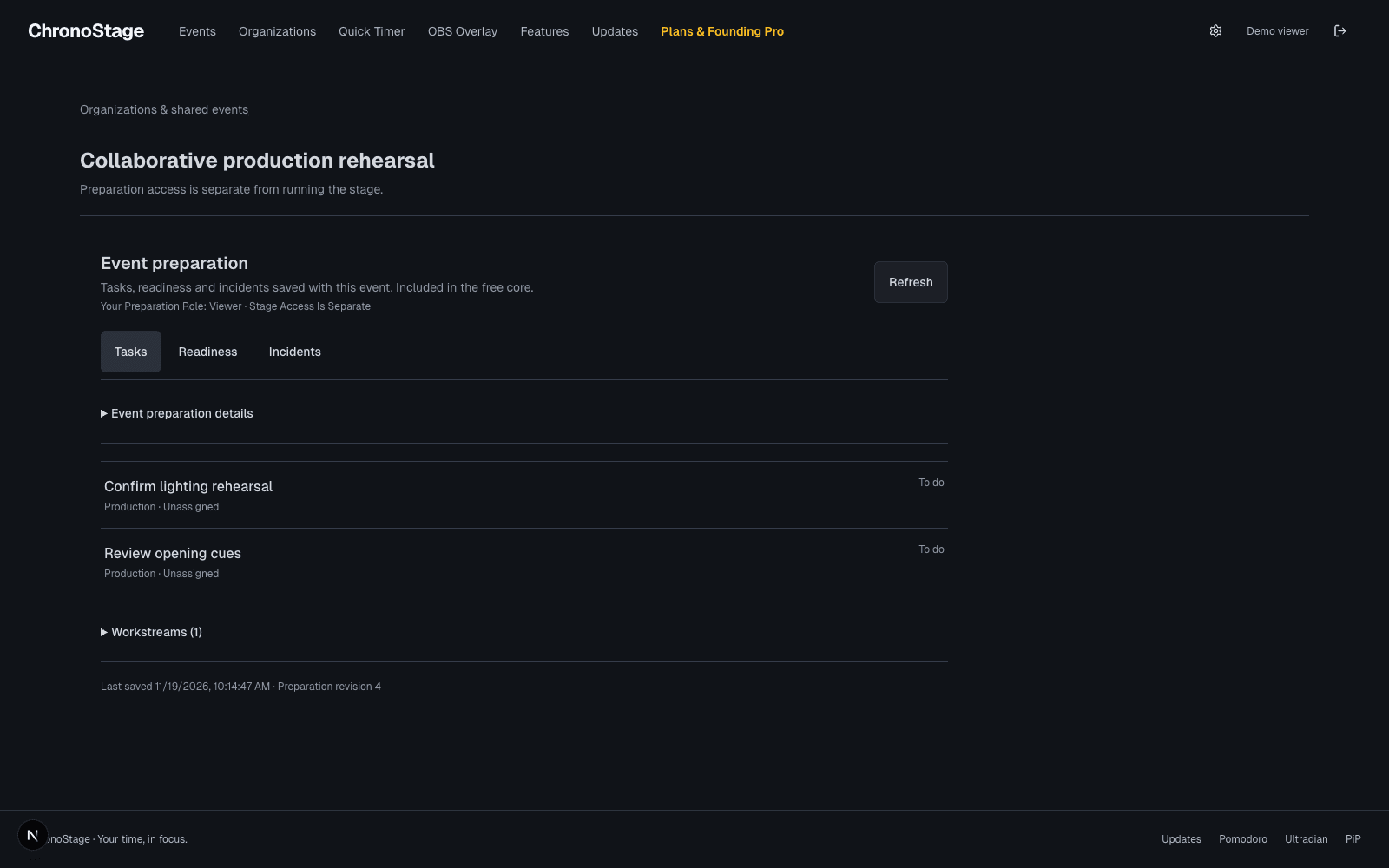
Choose who can open the event
When organization collaboration is enabled for your account, an event owner can open Preparation, choose Sharing and select an organization. Enable sharing, then grant an event role to individual active members. Sharing with an organization does not open the event to every member.
Give each role a clear job
Planners can edit preparation and review private notes and backups. Operators can read the safe preparation summary and record incidents. Viewers can read that summary without editing. The organization role can further limit an event grant.
Shared events appear in Organizations and open a separate preparation workspace. A preparation role does not grant live timer, stage device or attendee permissions. Existing stage workflows remain available through their existing access controls.
Review and revoke access
Event owners can change individual grants or stop sharing with an organization. Membership and event grants are checked by the service on requests. Private notes are excluded from restricted responses, and changing to a more restricted role clears private form state from the screen.
Readiness remains informational. Opening a shared preparation workspace does not claim the stage editing lease or start a timer.