Article in English
Use ChronoStage in your language
Choose from 18 interface languages, including right-to-left Arabic, and keep a separate language for shared displays and printed badges.
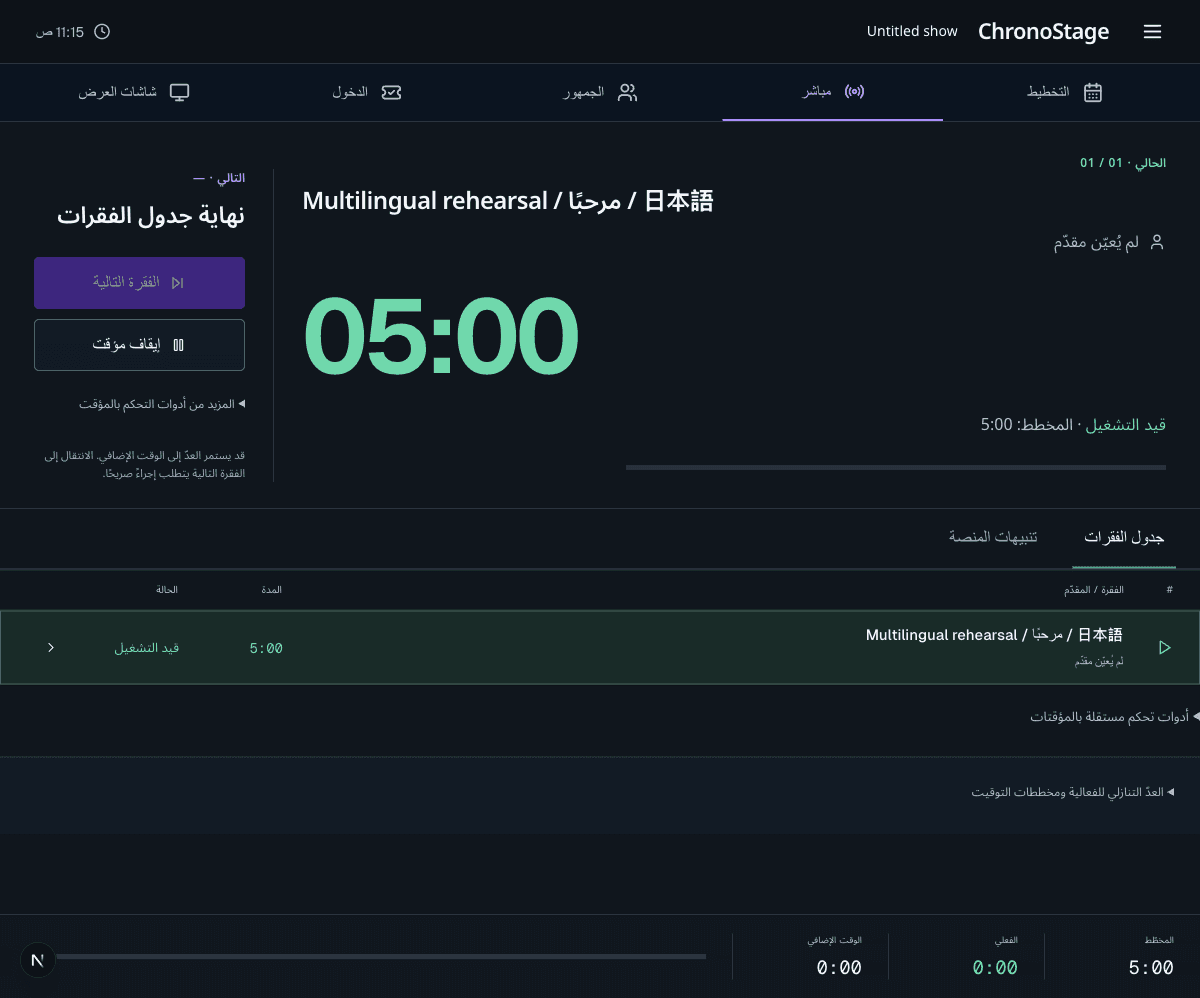
Choose a familiar interface
Open Preferences and choose Language. Search by the language’s native name or English name, then select it. The interface updates in place, including navigation, controls, validation and recovery messages.
The available languages are English, Spanish, Brazilian Portuguese, French, Italian, Dutch, German, Czech, Polish, Hindi, Arabic, Japanese, Simplified Chinese, Hungarian, Ukrainian, Croatian, Albanian and Russian. Event names, speaker names and messages you write keep their original text.
Keep the right language on each display
Choose a default presentation language for your event and a language for the display links you share. A shared screen keeps its selected language and hour format while an operator uses their own preferences. A display’s language control changes that display.
Ticket and badge labels use their captured presentation settings. Cue timings, access credentials and saved event content retain their existing values.
Work with your regional conventions
Arabic uses a right-to-left interface with local font support. Hindi, Japanese, Simplified Chinese and European scripts also have bundled fonts. Countdown durations and operational timecodes keep their established reading order.
Advanced preferences let you choose date and number conventions separately. Numeric fields accept the selected decimal separator and digits, explain invalid values, and keep saved values consistent.
Find translated product pages
Public product pages have language-specific addresses and localized navigation. Blog article bodies currently remain in English and carry a language notice.
If a language cannot load, the current interface remains available with a recovery message. A preference that cannot sync can be retried from the language picker.