Article in English
Work together in an event organization
Create an organization, invite specific accounts and manage membership without sending an automatic email.
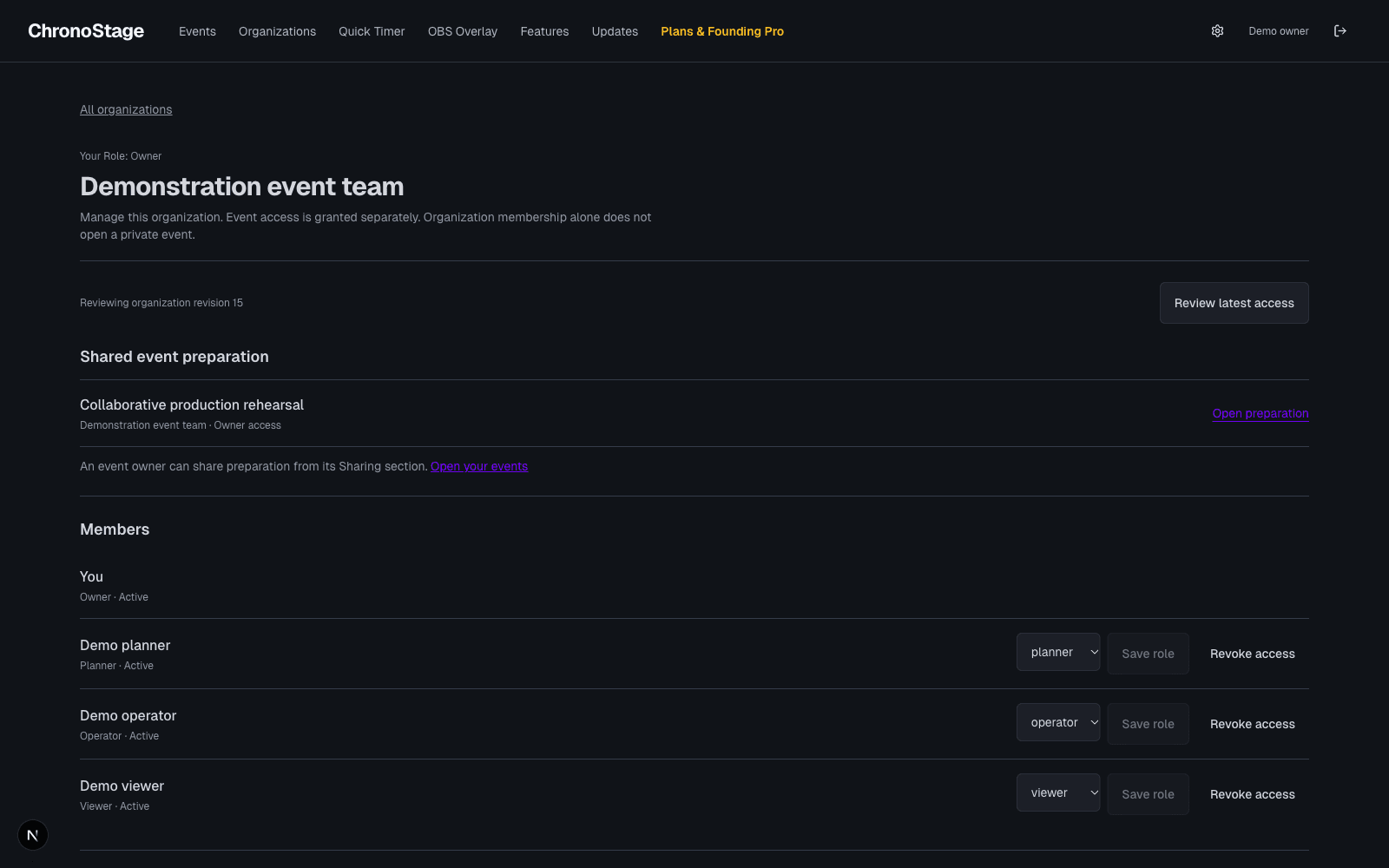
Create your organization
When organization collaboration is enabled for your account, open Organizations from the event library. Create an organization and choose a name your collaborators will recognize. Organization collaboration is included in the free core.
Invite a specific person
Choose a verified email address or an account ID, select an organization role, then create and copy the invitation link. No invitation email is sent automatically. The link expires after 24 hours and can only be accepted by its intended account.
The invitation token stays in the browser fragment rather than the server path. Sign in with the intended account to accept; organization membership does not open private events by itself.
If the invited email is not verified, choose Send verification email, follow its link, then return and choose Check verification. This email is sent only after that explicit action and does not contain the invitation secret.
Keep access current
Owners and administrators can review members, update roles and revoke membership. The owner retains ownership. An event owner must also share an event and grant access before a collaborator can open its preparation.
If a response is interrupted, Check saved outcome continues the original request. A different account cannot display or replay the previous account’s pending change.